


 [
[
 ]
]


[
]
The page you are on is shown in brackets { EFFECTS ]
1] The Mathematics of Guitar Delay Settings
2] Hooking up multiple guitar effect pedals
-------------------------------------------------------------------------------------------------------------------------------------------
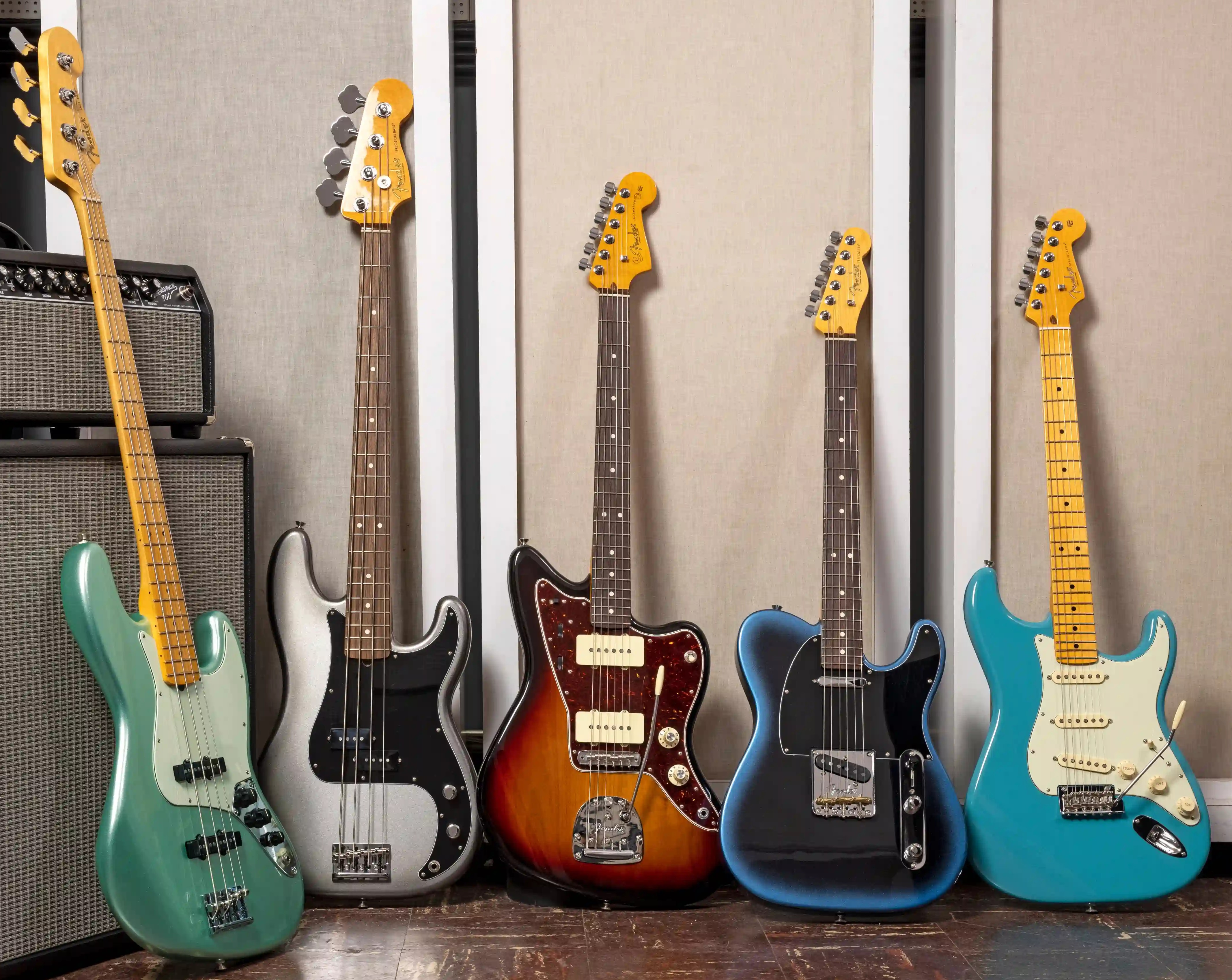
FENDER AMERICAN PRO II
--------------------------------------------------------------------------------------------------------------------------------------------
The Mathematics of Guitar Delay
Settings by Art Rock MyCD.ca
If you are having a problem setting your delay time to match the beat of your
drummer or drum machine, here is the solution to solve that problem. You can
use this to set a delay time to match the beat of the song, (the tempo, beats
per minute) or the other way around, if you have a song with a long delay and
you want to find out what b.p.m. ( beats per minute) to set your drum machine
to.
If you have a delay pedal or delay in your multi effect pedal that allows you to
set the ms (millisecond) of delay you can just dial it in. If you don't, it
is a little trickier, we will show you a work around towards the end of the
article.
This would be used if you wanted to pick a note or chord on your guitar and have
it repeat in time with the beat of the song. You can set it to repeat on
the 1/4 note, 1/2 note, 1/8 note anything you want.

Let's start off with the math behind it. If you set your drum machine to 60 bpm
(beats per minute) in 4/4 time this would equal 60 quarter notes per
minute which is equal to 60 quarter notes per 60 seconds which is equal to one
quarter note per second which is equal to 1,000 ms (milliseconds). Therefore
an eighth note would be half of that 500 ms and a half note would be double
2,000 ms and whole notes would be four times the quarter note which is 4,000 ms.
A dotted quarter note (counted as 1 & ) = 1.5 X a quarter note =1,000 ms x 1.5 =
1,500ms A doted eighth note is equal to 500ms x 1.5 = 750ms. A triplet is
equal to 1,000 divided by 3 = 333.3ms call it 333ms.
Now let's do it at 96 bpm. 96 quarter notes a minute = 60 seconds divided by 96
notes = .625 multiply by 1,000ms = 625ms. An eighth note would be double as
there are 2 eighths to a quarter = 60 sec divided by 192 notes = .3125 x 1,000ms
= 312.5ms call it 312 or 313 ms as delay units do not usually have fractions
of a millisecond in their delay settings. A half note would be 60 sec divided by
48 x 1000 = 1250ms. A dotted quarter note would be 60 sec divided by 96
quarters times 1.5 x 1000ms = 937.5ms.
---------------------------------------------------------------------------------
NEW GUITAR EFFECT PEDALS
FOR LESS THAN $7.

-----------------------------------------------------------------------------
Now you can figure out at any bpm what delay setting to use, or reverse the
procedure, to start with a delay time and calculate the beat. Or the easier
way would be to check if it is on the chart I did for you below.
Guitar Delay Settings Chart BPM vs milliseconds
BPM 1/4 NOTE 1/8 NOTE DOTTED 1/8 TRIPLET
60 bpm 1,000ms 500ms 750ms 333ms
64 bpm 938ms 469ms 703ms 312ms
68 bpm 882ms 441ms 662ms 294ms
72 bpm 833ms 417ms 625ms 278ms
76 bpm 789ms 395ms 592ms 263ms
80 bpm 750ms 375ms 563ms 250ms
84 bpm 714ms 357ms 536ms 238ms
88 bpm 682ms 341ms 511ms 227ms
92 bpm 652ms 326ms 489ms 217ms
96 bpm 625ms 313ms 469ms 208ms
100 bpm 600ms 300ms 450ms 200ms
104 bpm 577ms 288ms 433ms 192ms
108 bpm 556ms 278ms 417ms 185ms
112 bpm 536ms 268ms 402ms 178ms
116 bpm 517ms 259ms 388ms 172ms
120 bpm 500ms 250ms 375ms 167ms
-----------------------------------------------------------------------
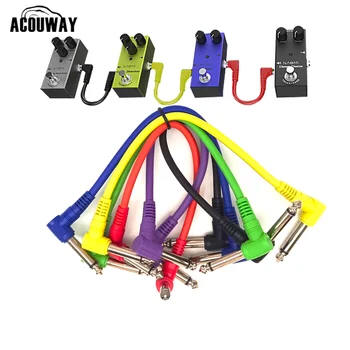
EFFECT PEDAL SHORT CORDS UNDER $7.
----------------------------------------------------------------------
If it's not on the chart you can calculate like this. For instance say you have
a good riff with a delay of 588ms and you want it to match the quarter note.
To calculate to beats per minute. Sixty seconds x 1,000 ms = 60,000 ms divided
by 588 ms = 102 bpm. You can extropolate the numbers. For example you want the
588ms to be an eight note. There are two 1/8 notes to a quarter note, so
multiply by 2 = 1176 then go 60,000 divided by 1,176 = 51 bpm.
If you can't set a number for the ms on your delay unit, you can time it with
the second hand on a watch or clock. When you find the delay setting you
like, turn up the repeats which will make the delay repeat more times to make it
longer and easier to time it on the second hand of your watch. If you get 17
repeats in 12 seconds figure out how many that would be in a minute 60 seconds.
60 divided by 12 seconds = 5 x 17 repeats = 85bpm.
Usually you can never time it dead on, on a second hand. You will have to tweak
the bpm to match your delay time. You should try tweaking it regardless.
Being slightly ahead or behind the quarter note can give a slightly different
feel to the sound.
Enjoy and experiment away.
article by Art Rock / MyCD.ca / Absolute Music
copyright MyCD.ca Absolute Music 2020, 2026 all rights reserved
|
Win Free Meds FancyMeds |
-----------------------------------------------------------------------------
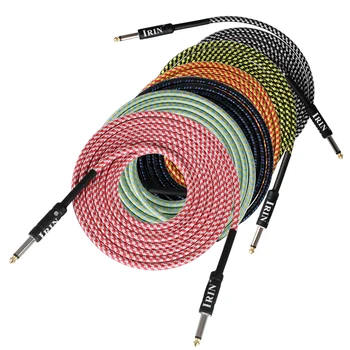
3m 10' CORD UNDER $7.
----------------------------------------------------------------------
All the pedals in between the first and last guitar pedal, you plug the output
from one effect pedal to the input of the next effect pedal. When you get
beyond 5 or 6 pedals you may need a noise suppressor / noise gate pedal to get
rid of some of the noise, especially if you are using a lot of distortion.
The gain knob, sometimes called level, volume or other names is usually some
type of op amp design or gain stage amplifying section of the effect circuit
that multiplies the gain stage of the next pedal and the next pedal and the next
pedal. So usually you will have to cut the gain levels lower than you would
normally run them on an individual effect pedal to get a good sound. Otherwise
it will be balls to the walls noise that may sound great to you but not to
your listeners.
To get the best bang for your buck you might want to start with pedals that are
different and have a more varying effect compared to each other. This way
you get a more dramatic effect and different sounds right away, versus buying
two distortion pedals.
A good progression if you're into rock would be overdrive or distortion first,
then chorus, then a wah pedal, (if you want that effect), then delay, then
pitch shifter or harmonist or octave (if you want that effect), then reverb,
then phaser, then look at compressor, harmonizer, pitch shifter, octave, noise
suppressor, and flanger. If you only had two effect pedals a distortion and a
chorus would give you a good sound.
The art of joining guitar effect pedals together is often referred to as pedal
stacking, or daisy chaining pedals, or a pedal train, or an effect stack.
To join the effect pedals you can use a regular patch cord or you can buy short
cords that are available in 6", 12", 18", 24", 36", and 48" lengths. You
can also get effect pedal couplers which are a one piece metal unit with two
1/4" jack plugs back to back. If you have a wah pedal or some boutique pedals,
sometimes the input jack is higher off the floor than the standard pedal. You
can get an offset pedal coupler or Z plug they are normally called, so you
|
GUITAR EFFECT PEDALS ON
SALE AT AMAZON |
small strips or a long length of Velcro tape. You cut off a piece of the Velcro, peel the paper off the back of it, and then stick it to the bottom plate of
your guitar effect pedal. Then the effect pedal will stick by the Velcro to the upholstered pedal board. Some pedal boards will come with a few short
1/4" patch cords to hook the pedals up. Some pedal boards will come with a 9 volt AC/DC power supply that you plug into the AC wall plug, and
splitter cables that will split the DC output power from
the single 9 volt transformer to multiple effect pedals.
Some people choose to build their own pedal case. You can buy 9 Volt jumper
cables / daisy cables which allow you to use one 9V adaptor plug (
AC/DC
adapter) for multiple effect pedals. If you have too many pedals on one adaptor
some of the effects may be reduced. Usually the chorus is the first
one you
will notice a degradation in it's sound quality. It will lose some of it's
depth.
That's when you know it is time to add another 9 volt adaptor and daisy chain
cable. If you go that route check the mA (milliamp) rating of the 9 Volt
power adaptor. The standard guitar effect pedal adaptor is 200ma, but some go as
high as 1,000ma which will power a lot more pedals. You will pay
more but it
might be cheaper in the long run.

Changing the order of your effect pedals will change the overall sound. Take a
pedal and try it as the first effect pedal in the pedal chain. Then move it
to the second position, then third, through to the last effect unit in the pedal
chain. Some effects you won't notice much of a difference, some you will
hear a huge difference. It's all subjective. It's whatever sounds good to you.
If you are using the 9 volt batteries to power your guitar pedals, instead of an
AC adaptor, note that on most guitar pedals, the pedal is turned on by
inserting the 1/4" guitar patch cord in the guitar pedal's input plug. It is
sort of an invisible on / off switch. Be sure to unplug the patch cords from
your effect pedals when you are done to keep the batteries from draining.
Otherwise next time you go to play your guitar, you will hear nothing, for
one of
the batteries in one of your effect pedals is dead.
-------------------------------------------------------------------------------------
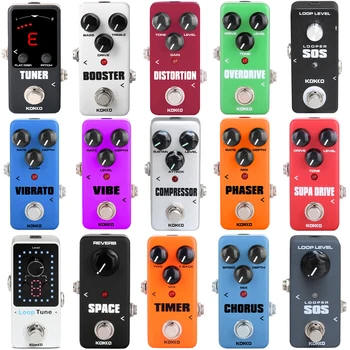
NEW GUITAR EFFECTS UNDER $10.
----------------------------------------------------------------------------------
If you are using an AC/DC adaptor to power your pedals, it is a good idea to
pull the battery clips off of the batteries inside the pedals or remove the
batteries from the pedals altogether. This is to avoid battery leakage, which
can happen in any electronic device if a battery sits for an extended
period of
time,not being used. Typically it can take months or years for a battery to
leak, but it could happen sooner. When a battery leaks in the battery
compartment
of your effect pedal it usually corrodes the inner surfaces. If it gets into the
effect's circuit it can damage the electronics causing the pedal not to work
anymore.
article by Art Rock / MyCD.ca /
more articles coming soon
$
$
Why is it Free and how you can support us.
All the articles and info we provide is completely free to you. We get very
small payments from the advertisers on our website when you make a purchase from
them, after clicking one of their ads on our site such as Amazon, Ebay, Walmart
etc. You won't pay any extra for your purchase and you will help us keep it free
to you. We also get a very small payment when you click on an adsense by Google
ad
--------------------------------------------------------------------------------
DOUG ROCKS HARD ROCK, PROG ROCK,
METAL & ALT ROCK SPOTIFY PLAYLIST

From 60's, 70's Deep Purple, Led Zeppelin, Black Sabbath,
Jethro Tull, Rush, to 80's, 90's , AC/DC, Metallica, Iron Maiden,
The Cult, Soundgarden, Tool to 2000's current, & new up &
coming artists not yet discovered . Playlist is at:
https://open.spotify.com/playlist/4FuwJjsoV2320LxfIeRhh8
To submit your original Rock song go to:
https://play.soundplate.com/doug640
---------------------------------------------------------------------------------------------------------------
MyCD.ca
PICK A TOPIC



 [
[
 ]
]


The page you are on is shown in brackets { EFFECTS ]
| STUDIO MICS SALE AT AMAZON |
As an Amazon Associate I earn from qualifying purchases
----------------------------------------------------
JUST RELEASED MAY 8TH
- ------------------------------------------------------------
Any prices displayed were the price at the time the ad was placed, subject to change. If you click on the ad you will see the current discounted price.
Privacy Policy
We do not utilize cookies or collect any data on anyone visiting our site, although
your personal internet provider, your browser, your social media
accounts, google, any sites or ads you clicked on, probably will and may follow
you to, and through our site, as well as every other site you visit, as well as
any ads you click on.
We do not ask for or collect any information on our site visitors.
copyright MyCD Absolute Music 2006, 2011, 2012, 2013, 2014 ,2020, 2021, 2022, 2023, 2024, 2025, 2026 All rights reserved